Signal Blocks AI Assistants From Reading Your Screen—and Blocks Your Screenshots Too
The app restricts screen capture on iPhone and Android. Once the protection is on, your own screenshots and screen recordings are blocked too, so you should check your settings.
Signal announced on November 20 (local time) a set of protections designed to stop mobile AI assistants from peering into your chat screens. The approach is to restrict screen capture itself, reducing the chance that an AI can read or store the contents of a conversation.
How protection is activated on your phone
On the iPhone, a setting called “Block Siri AI” ships enabled by default, targeting iOS 27. On Android, a “Screen security” setting switches on automatically when Signal detects an AI assistant attempting to read a Signal screen. The feature requires Signal 8.37 or later on iPhone, and Signal 8.35.1 or later on Android.
The protection also has an effect when you want to save a screen yourself. While it is on, screenshots and screen recordings of Signal screens are blocked. You can turn it off in settings if you need to, and on iPhone you can also suspend it temporarily for 10 minutes. On Android, if you disable the protection from the notice screen, it turns itself back on after 90 days; if you disable it directly in settings, it stays off.
It started on the desktop, now it reaches phones
Signal previously enabled screen security by default in its desktop app for Windows 11 in 2025. At the time, the move was aimed at preventing Microsoft Recall from collecting chat screens. Now the same technique has been extended to AI assistants built into mobile operating systems.
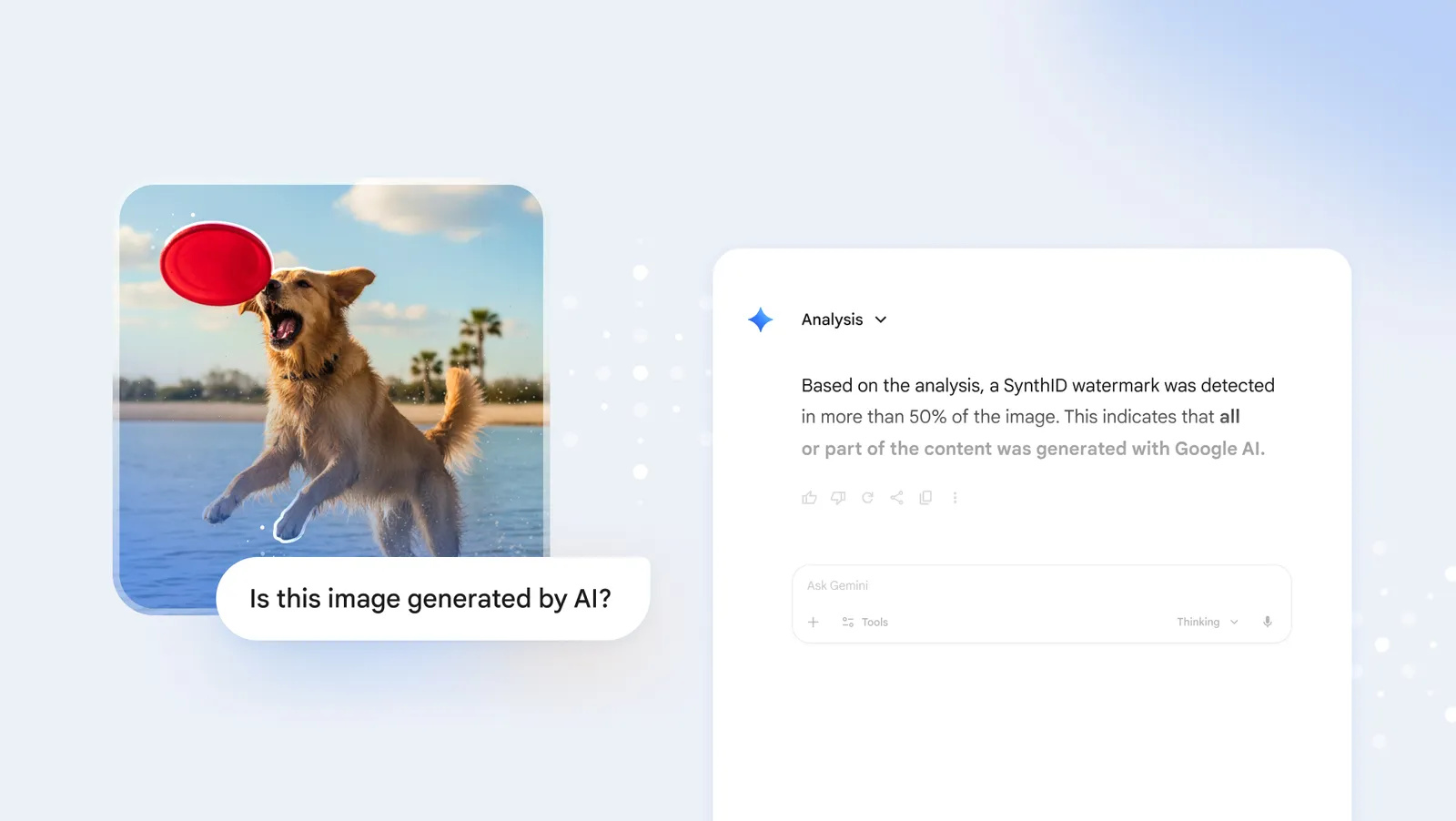
Source: Google (press release)
The ability of AI assistants to make use of what is on screen is already known. Google has introduced Gemini’s screen-use features, and Apple has introduced Siri AI’s ability to recognize what is on your display. What Signal wants to protect is the conversation as it appears inside the app. From a user’s point of view, the change means that blocking the AI’s access to the screen also blocks their own capture tools.
Can you use it in Korea?
The Signal app is available on the Korean App Store and supports the Korean language. Whether the protection actually kicks in depends on your app and OS versions, and on whether your device can detect attempts to access the screen. Korean users will want to check which app version and operating system they are running. Signal said that on devices from several Android manufacturers where screenshots are already blocked, there is no reliable way for it to detect capture attempts.
The protection is limited to screen capture. It cannot close off the paths an AI might take to files already stored on the device. Nor can it control screenshots the person on the other end of the conversation takes on their own device. Signal said it has not been able to implement the same screenshot-blocking feature on macOS. In practice, how much you are protected depends on the device you use and on whether your conversation partner saves the screen.
The open question is how reliably screen-access detection works across different devices. It is also worth watching how easily users can toggle the protection off and on in the moments when a screenshot is genuinely needed.