Anthropic Unveils Claude Meetings, an AI That Listens In and Builds Documents Live
It joins your Google Meet call, answers questions, and produces documents and whiteboards. Rolling out in beta to Team and Enterprise plans.
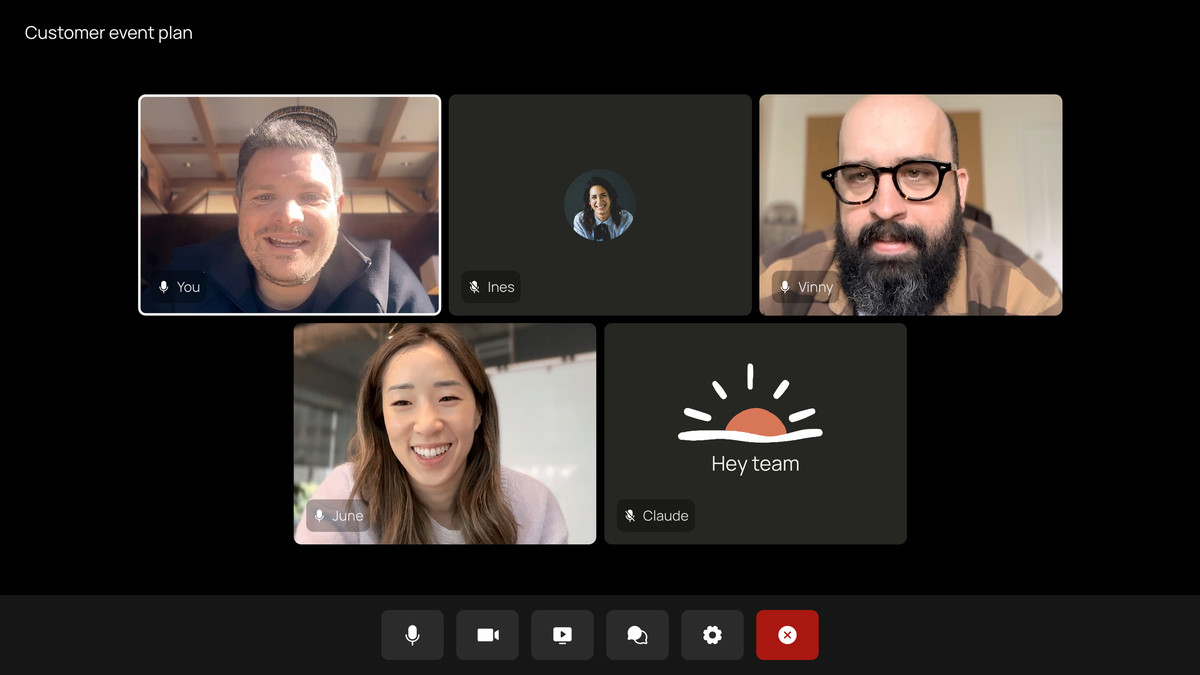
On November 12, Anthropic introduced Claude Meetings, a feature that sits in on your video calls, listens to the conversation, and gets to work. It goes beyond summarizing after the fact: Claude builds documents and whiteboards while the discussion is still happening. The feature is rolling out in beta to Team and Enterprise plans, and the only video conferencing service supported right now is Google Meet.
What can you hand off during a meeting
Participants can ask Claude questions by speaking or by typing in the meeting chat. Claude answers in text by default, and it keeps notes and action items as it goes. Colleagues on the meeting invite list can edit the documents and whiteboards Claude creates right there in the meeting. The idea is that the conversation and the deliverable get refined together.
Anthropic offered planning a customer event as an example. When a participant asks for a planning document, Claude pulls together everything discussed up to that point. Ask about last year’s event costs and, with permission, Claude looks them up in connected tools and compares them against the current plan. Scheduling discussions can move to a whiteboard, which sits alongside the document so you can work on both at once, the company explained.
Once the meeting ends, the notes, action items, documents, and whiteboards all live on that meeting’s page at claude.ai. Users can come back later and ask follow-up questions about meetings they attended. Anthropic said it is also working with Gong, Granola, Otter, and others on the ability to push meeting transcripts into the tools teams already use.
Who gets to see the records and the answers
The meeting page collects the transcript, the summary, and everything Claude produced. Anyone from the same organization who was invited to the meeting can view that page and edit the outputs. The page can also be shared with others inside the organization. Answers Claude posts in the meeting chat are visible to everyone on the call.
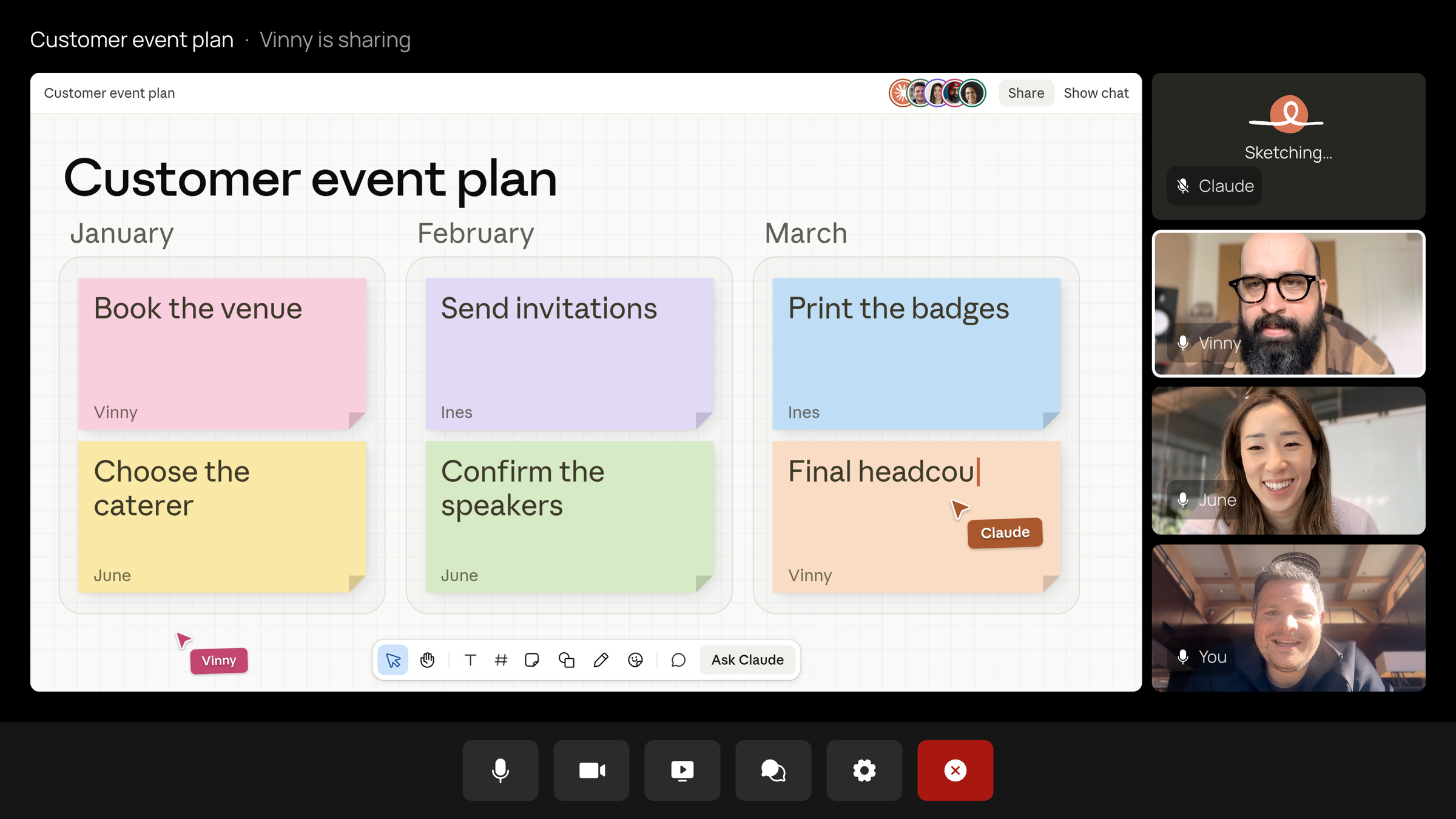
Image: Claude
By default, Claude does not join meetings that include external guests. If an external participant joins partway through, Claude is set to leave. Administrators can allow use in meetings with external guests. In that case Claude only posts a notice in the chat and does not answer questions, and remarks by external participants are included in the notes and transcript.
Claude shows its name in the participant list and announces its presence in the chat. It stores the transcript, summaries, and descriptions of shared screens, but not audio. Anthropic advised getting consent from everyone present before using the feature to record a transcript. Tools connected by an individual user only need to be approved once; that approval carries forward. For voice requests, Claude confirms who is speaking each time.
Who can use it, and what does it cost
On Team, the ability to invite Claude to meetings is on by default and administrators can turn it off. On Enterprise, an administrator has to enable the feature for the whole organization or for specific groups. Claude joins when a user adds it to a meeting or sets it to join automatically. Organizations configured to not retain conversation data at all, those running configurations aligned with health information privacy rules (HIPAA), and those managing their own encryption keys are excluded from the beta.
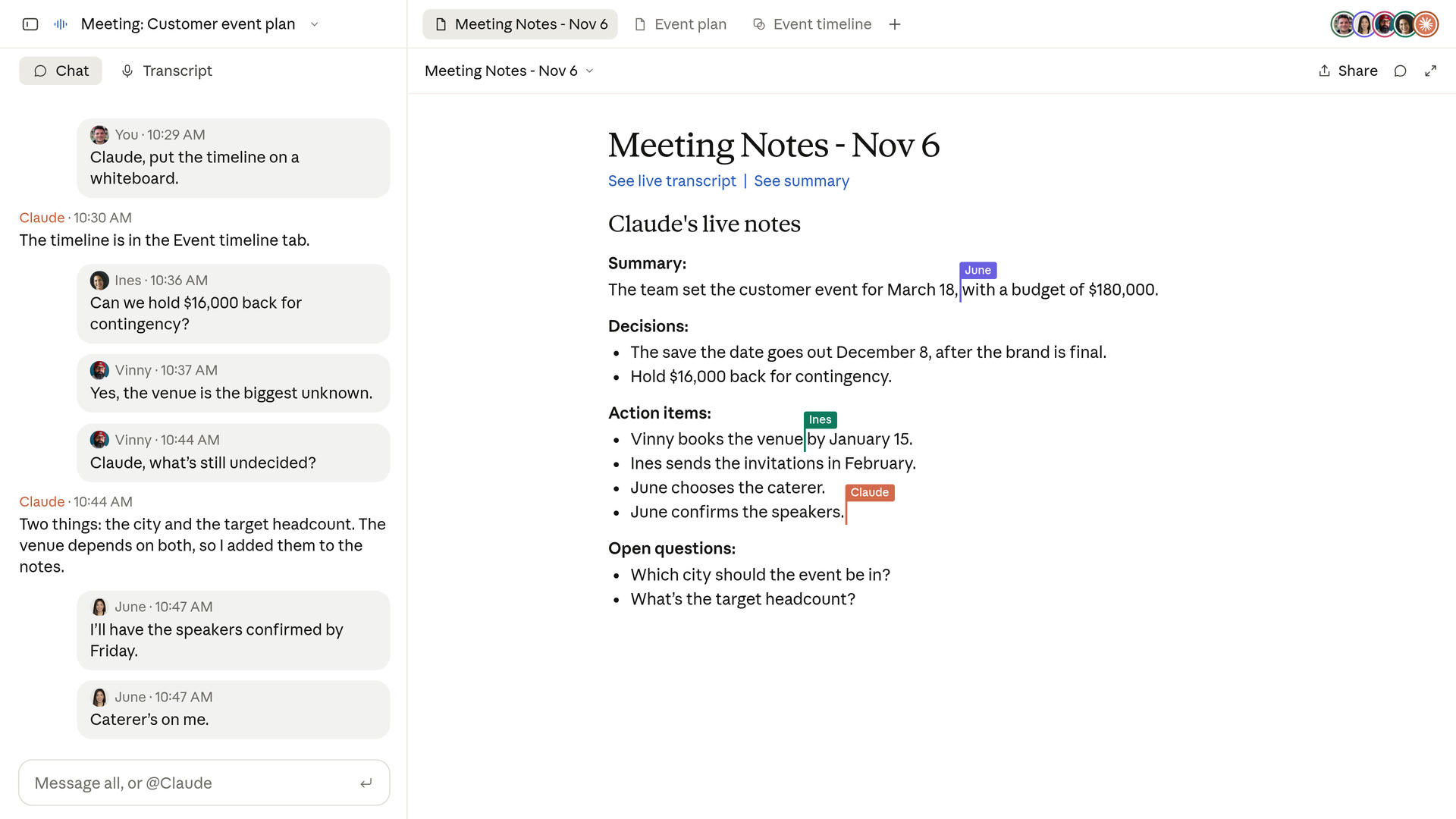
Image: Claude
During the beta, meeting notes and transcripts are free on both plans. In-meeting answers are free as well, though answers that draw on connected tools count against the plan’s usage. Creating outputs such as documents and whiteboards is free until February 10, 2027. Teams considering adoption should look closely at the usage implications of connected tools and at who can see which records.